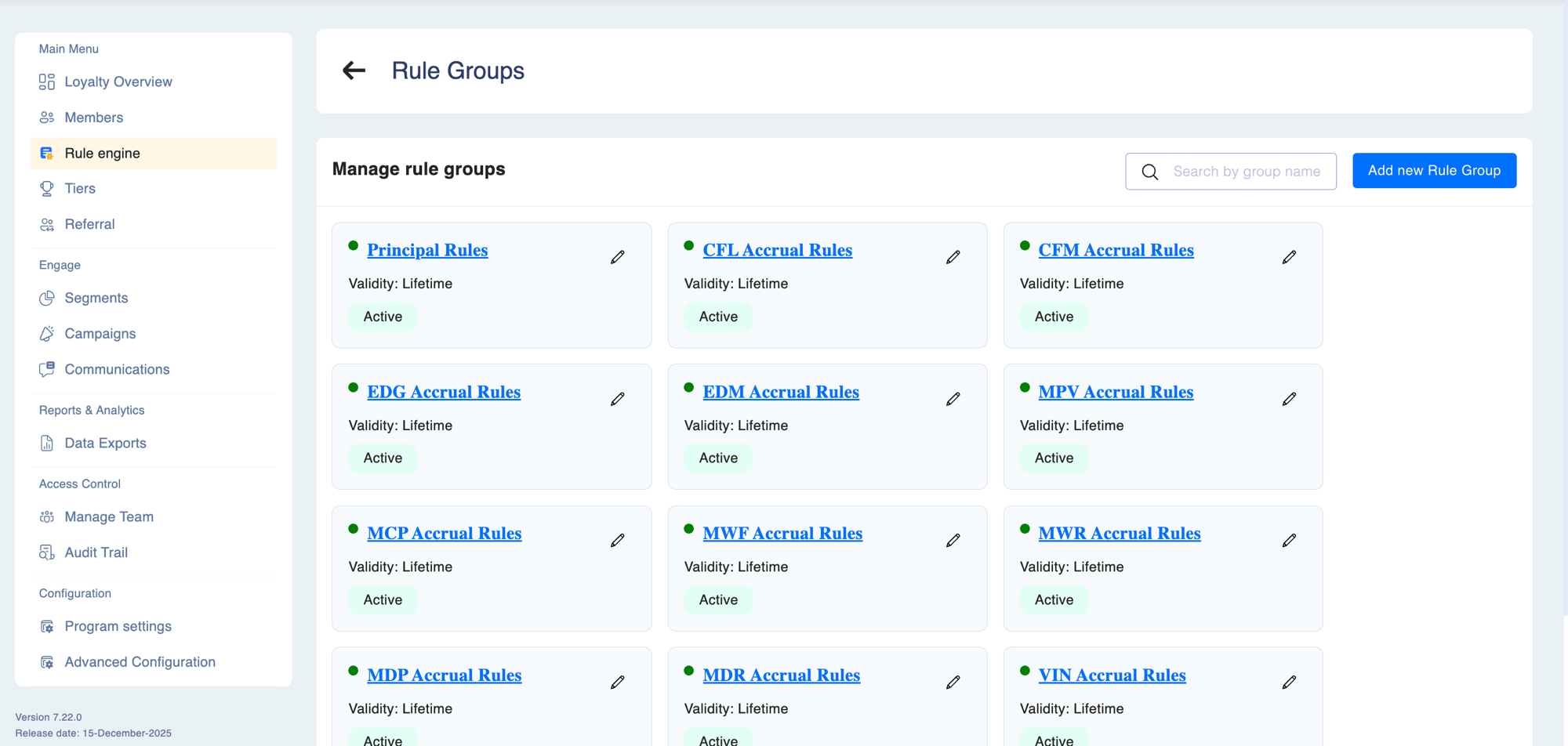
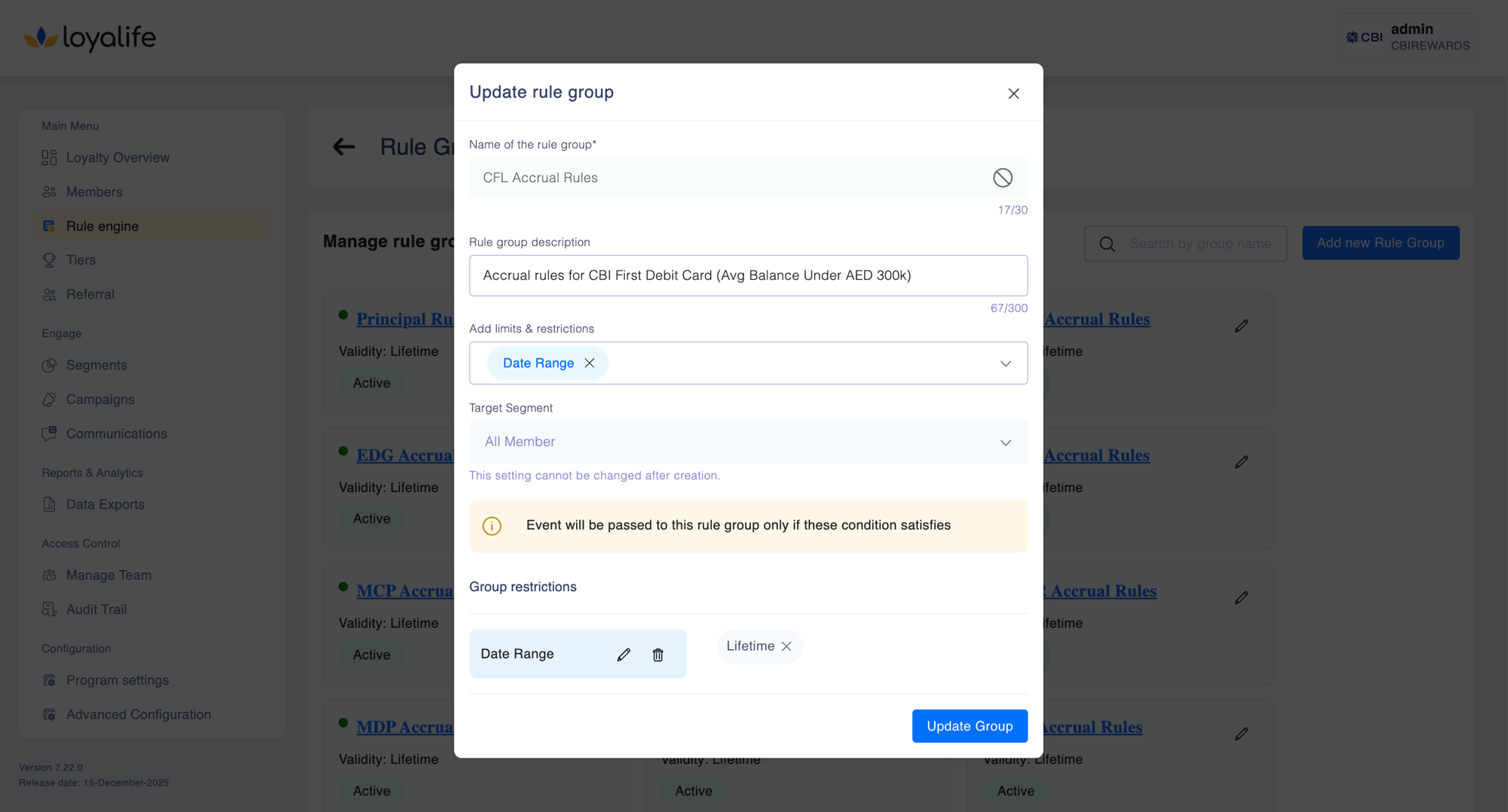
Rule groups are the organisational backbone of the Rule Engine. They are not just folders — they are the mechanism that determines which members a set of rules applies to and how much those members can earn in aggregate. Every earning rule must belong to a rule group.
Why rule groups matter
Without rule groups, all rules would apply to every member in the program. Rule groups solve three problems that a flat rule list cannot:
How rule group evaluation works
When a transaction arrives, Loyalife:
- Identifies all active rule groups
- For each group with a linked segment, checks whether the transacting member is in that segment
- Evaluates every rule inside each qualifying group
- Awards rewards from all matching rules across all qualifying groups simultaneously
A member can earn from multiple rule groups in a single transaction. For example, a Gold tier member can earn base points from an “All Members” group and a tier bonus from a “Gold Members” group at the same time — as long as both groups are active and the member is in each group’s segment.
Rule group properties
Group-level caps are distinct from rule-level caps. A rule-level cap limits earning per transaction for that specific rule. A group-level cap limits total earning across all rules in the group combined, over a time period.
Designing rule groups
A well-designed program typically uses several rule groups with clearly separated purposes:
Each group is managed independently. Pausing Gold Member Promotions has no effect on Base Earning. Enabling a new seasonal group for a limited campaign doesn’t require touching existing groups.
Creating a rule group
Go to Rule Engine
Select Rule Engine from the left sidebar.
Click Create Rule Group
Enter a name and optional description. Choose a linked segment if the group should only apply to a specific audience.
Configure caps (optional)
Set point limit, daily cap, monthly cap, or lifetime cap if you want to constrain total earning from this group.
Save and add rules
Save the group, then add individual earning rules to it using the rule builder.
Creating a rule group from the Segment flow
You can also create a rule group directly while building a segment. Use the + Create New Rule Group button inside the segment creation form. The group is automatically linked to the parent segment. After creation, go to Rule Engine to add earning rules to the group.
Activating and deactivating
Toggling a rule group between Active and Inactive takes effect immediately for new transactions. It does not retroactively apply or reverse points already awarded from rules in that group.
When the Maker-Checker workflow is enabled for the Rule Engine, activating or deactivating a rule group requires approval before taking effect.